Application forms
Forms that work as hard as you do
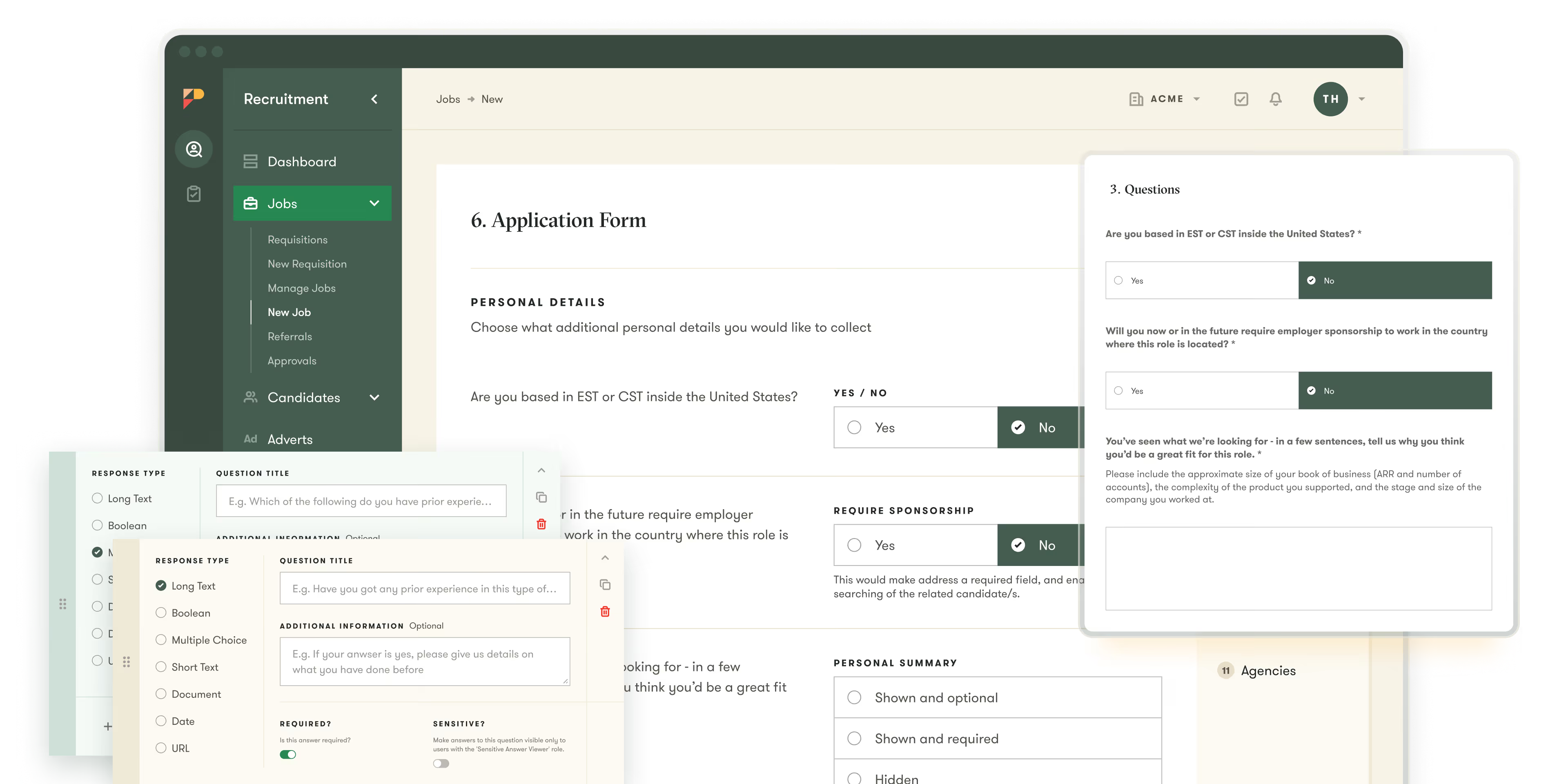
Build job application forms that collect exactly what you need, automatically screen candidates based on their answers, and help you stay compliant, without slowing anyone down.
Build job application forms that collect exactly what you need, automatically screen candidates based on their answers, and help you stay compliant, without slowing anyone down.







































65%
reduction in time to hire
Streamlined
casting day coordination
Increased
candidate communication

Strengthened
candidate engagement
Increased
candidate trust
Reduced
reliance on paid ads

Lower
risk of candidates stalling
Improved
visibility for TA leaders and stakeholders
3,500
employees supported in the states

Centralized
visibility on all candidates
100+
locations supported
Strengthened
hiring manager adoption


Waiting for FAQ from Pinpoint. Thursday April 9
A recruitment application form should collect the core information needed to evaluate candidates for a role, including contact details, work history, skills, and any role-specific screening questions. The best forms balance thoroughness with brevity — asking only what's needed to make an initial screening decision to avoid candidate drop-off.
Most modern ATS platforms include a custom application form builder that lets you add, remove, and reorder fields without coding. Pinpoint's form builder allows recruiters to create role-specific questions, include conditional logic, and preview the candidate experience before publishing.
The most effective online job application forms are mobile-friendly, short enough to complete in under five minutes for early-stage roles, and include only the fields required to make a screening decision. Longer, more detailed forms should be reserved for senior or specialized roles where depth of information is necessary.
Yes. ATS platforms with custom form builders allow you to create and assign unique application forms to individual job postings. This means you can ask specific technical questions for engineering roles, portfolio requests for creative positions, or availability questions for hourly roles — all from the same platform.