


August 2024 | Product Spotlight
Welcome to the August edition of our monthly Product Spotlight, including exciting updates to insights and sign-offs.
Article
Last updated
21 Aug 24
Welcome to the August edition of our monthly Product Spotlight, including exciting updates to insights and sign-offs.

Hi there 👋
I’m Andy Chandler, Pinpoint’s Chief Customer Officer. This month, I’m sharing some helpful updates to our Insights Hub and new functionality I know you’ll be excited to see (job descriptions in requisitions, anyone?). Let’s dive in.
With the Insights Hub, you can already see, for example, how long candidates spend in each stage of the hiring process. While granularity is great, sometimes you want to zoom out and spot patterns or bottlenecks across the organization.
Perhaps you want to tailor your reporting to see patterns in stages owned by particular teams. Or maybe you want to consider interviews as a stage type, no matter what round.
With Workflow Stage Groups, now you can.
Either use the default Groups, which align to existing standard stages like Applied, Review, Interview, and so on. Or create your own, like ‘Initial assessment’ and ‘In-depth interviews’. Then, use these groups to analyze time spent in each group and conversion rates within them.
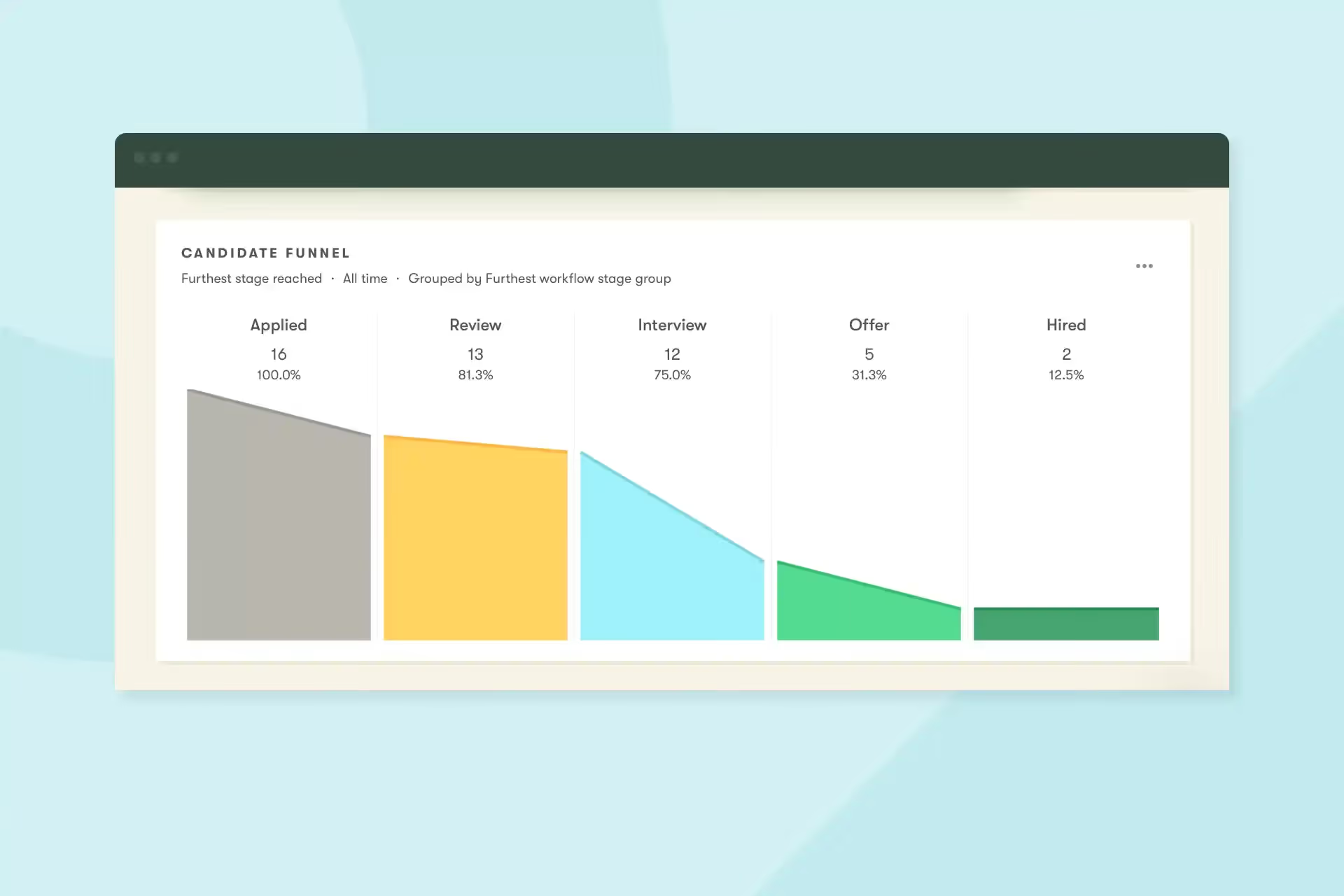
With the release of Workflow Stage Groups, you can create pass-through widgets. These widgets make it easy to track how many candidates advance to each stage across multiple jobs, helping you spot if each screening stage is effectively serving its purpose.
We’ve also introduced several new filters, grouping options, and the ability to filter by custom dates. Some examples include:
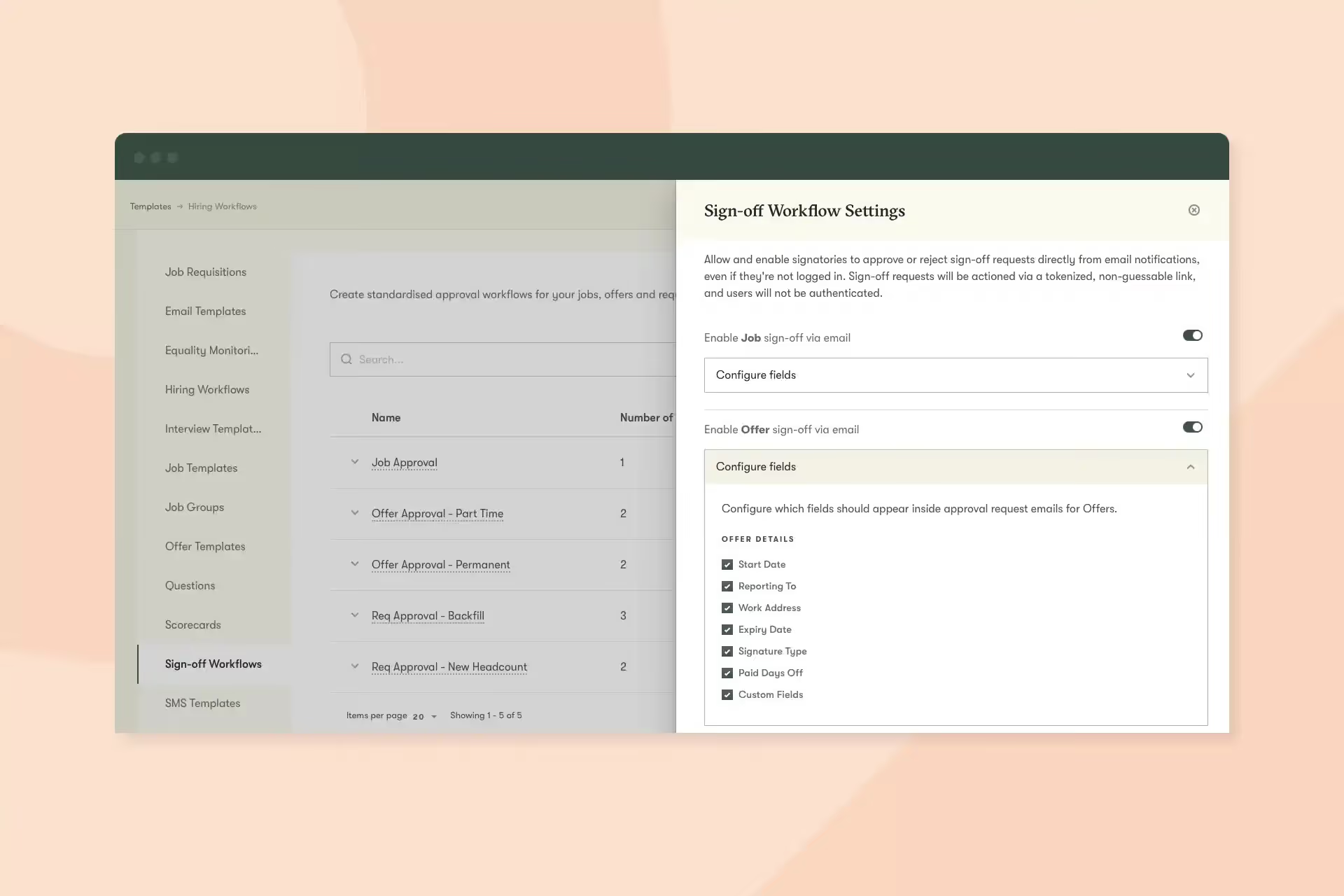
To streamline sign-off workflows, individuals can now approve or reject requisitions, jobs, or offers directly via email. This is especially useful for approvers who don’t typically use Pinpoint, allowing them to approve straight from the email notification.
You can tailor how much information is included in the email to match your data protection requirements, and the feature can be disabled entirely if it doesn’t align with your policies.
You can now add rich text job descriptions to requisitions that will map directly to the job when you create it.
These rich text fields are also available for skills, requirements, and benefits.
Sometimes, it’s the little things that make a big difference.
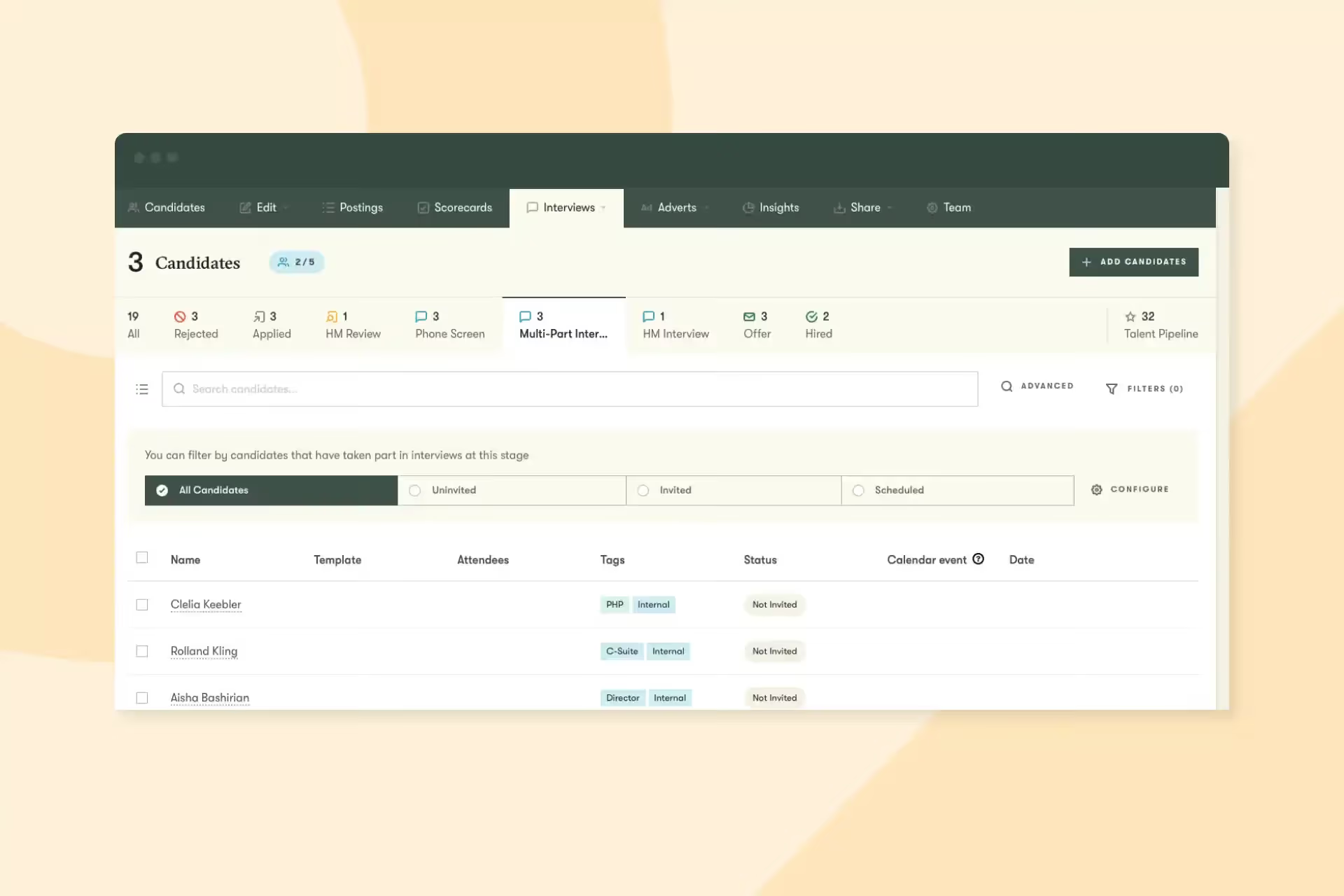
Finally, a couple more tweaks designed to make life easier:
And that’s it for this month. We’d love you to get in touch if there’s anything we can help with, or if you have feedback on this latest product update. See you in September for the next one!