


June 2024 | Product Spotlight
Welcome to the June edition of our monthly Product Spotlight, highlighting the biggest and most exciting updates in Pinpoint.
Article
Last updated
19 Jun 24
Welcome to the June edition of our monthly Product Spotlight, highlighting the biggest and most exciting updates in Pinpoint.

Hi there 👋
I’m Harry Langdon, CS Team Lead at Pinpoint. This month I’m sharing some exciting updates to our talent pipeline and applications. Let’s dive in.

We’ve added a new feature that automatically attaches skills to candidate profiles based on their uploaded resumes. This is a game-changer for managing your Talent Pipeline, and our new Talent Pools feature. Here’s how it works:

Now you can create pools of candidates within your Talent Pipeline, based on skills, desired work locations, departments, and tags. Pinpoint will automatically add candidates who meet your criteria to the appropriate pools. You can also manually add candidates to pools if needed and customize which pools you receive email notifications for.
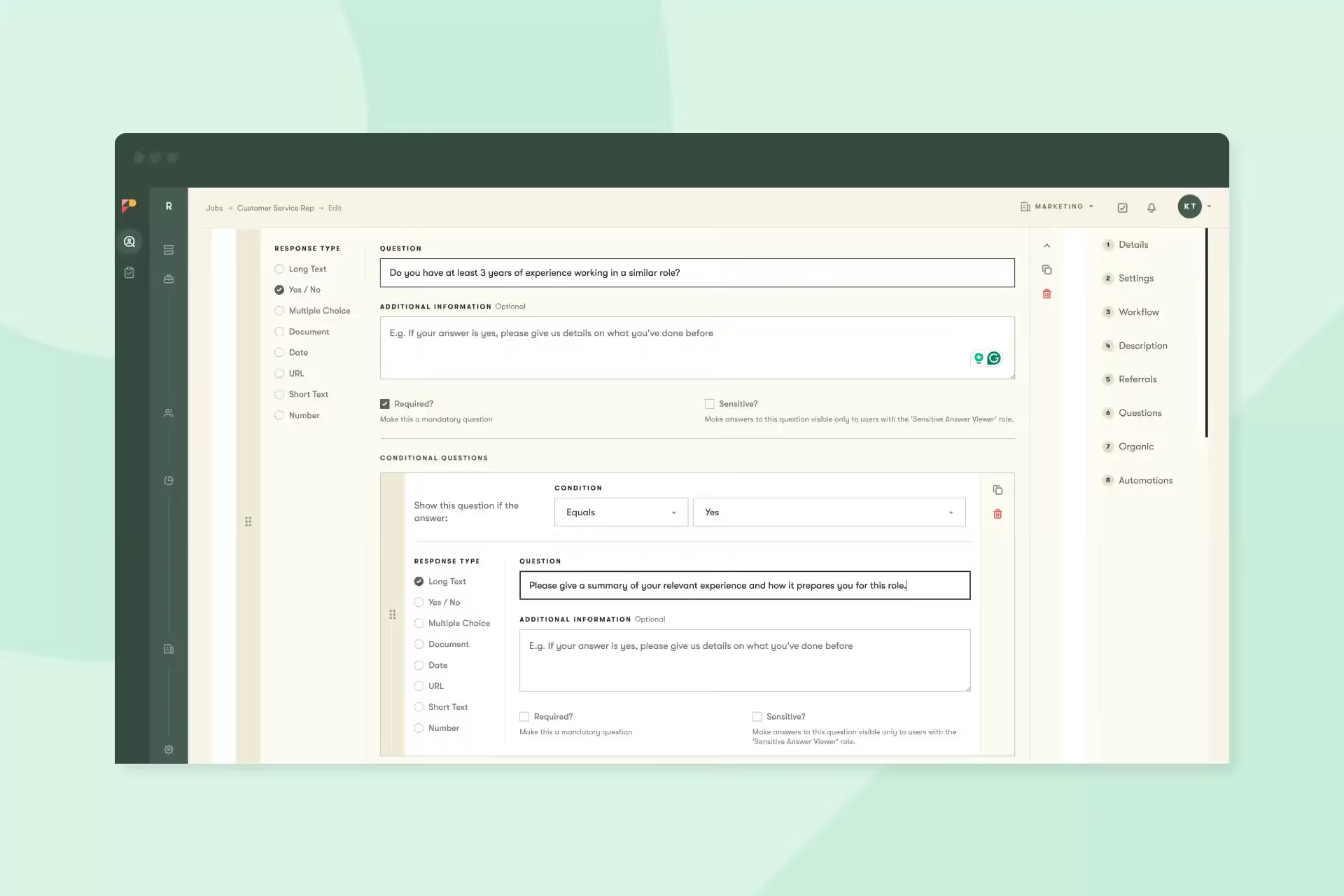
We’ve introduced conditional application questions to give you more flexibility in the application process. For instance, if you ask about work preference (remote, in-office, or other), you can add a follow-up question for the candidate to elaborate.
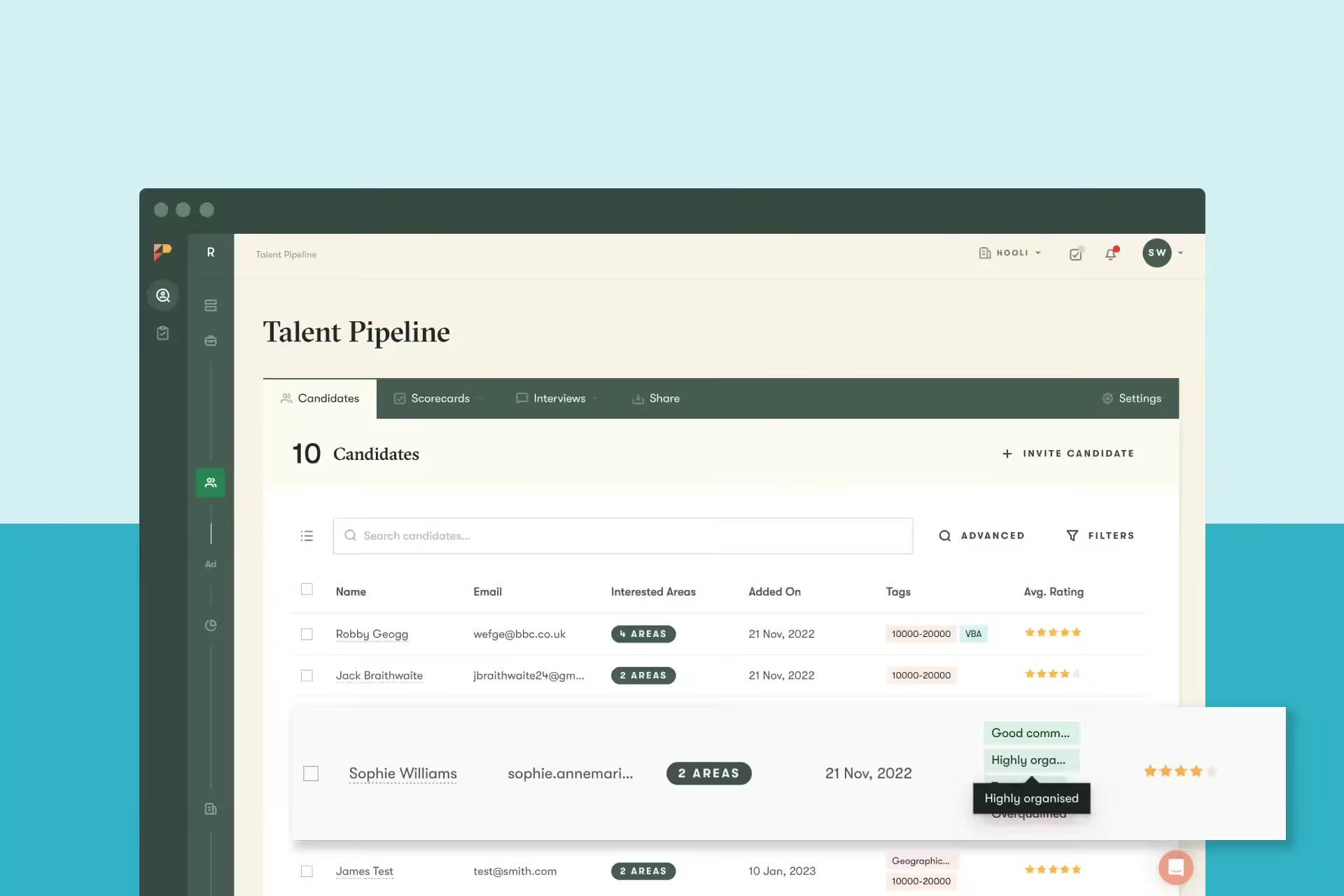
Our Talent Pipeline feature allows candidates to register their interest in working for your company without needing to apply to a specific open vacancy. You can use the Talent Pipeline to gather and nurture great talent and then invite those candidates to apply when positions become available.
And that’s it for this month. We’d love you to get in touch if there’s anything we can help with, or if you have feedback on this latest product update.