


September 2021 | Product Spotlight
Welcome to the September edition of our monthly Product Spotlight, highlighting the biggest and most exciting updates in Pinpoint.
Article
Last updated
02 Sep 21
Welcome to the September edition of our monthly Product Spotlight, highlighting the biggest and most exciting updates in Pinpoint.

Hey there 👋
I’m Brent—one of the most recent additions to the Customer Success team here, based in Florida. I’m super excited to share our September product update with you.
Whether you need more of the right candidates, a more efficient process, or better reporting, there’s something you’ll love in this new release.
In addition to the features launching today, we also have a special release planned for later in the month. Interview scheduling is one of the most popular features of Pinpoint, and it’s getting an overhaul! We’ll be emailing you with a complete set of help guides that will take you through all the changes before it goes live. In the meantime, you can get a sneak preview of what to expect here.
There’s lots to dig into, so let’s get started…

Who doesn’t like free job advertising channels? Now you can automatically post your jobs to Facebook Jobs direct from Pinpoint. Candidates that apply via Facebook appear against the relevant job in Pinpoint, automatically.
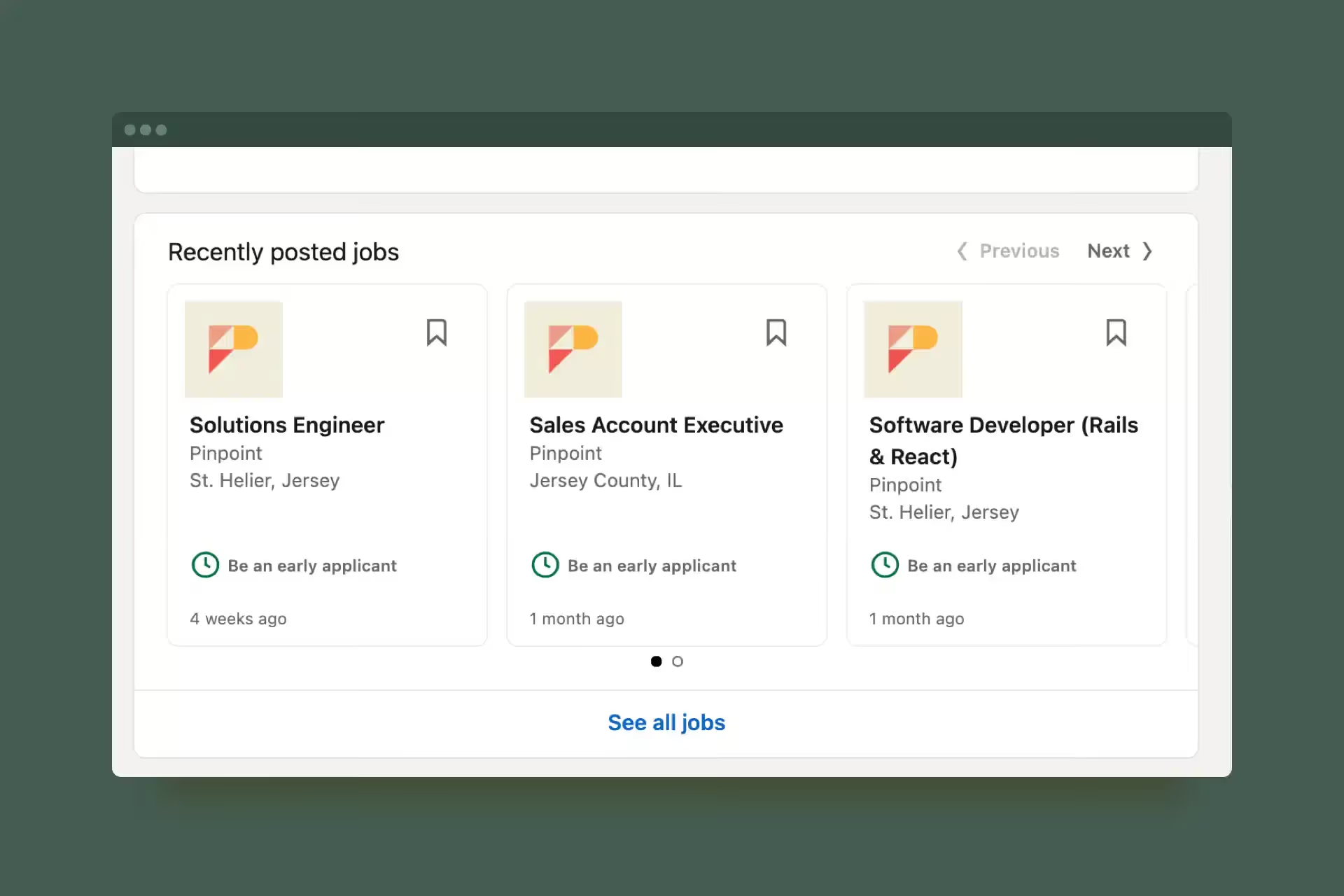
Limited Listings are LinkedIn’s free job posts that also appear on your company’s LinkedIn page.
Until now, you’ve had to reach out to your LinkedIn account manager to get your Pinpoint jobs to appear. Starting today, you can manage the whole process in Pinpoint, and the feed will be live in a matter of hours.
If you’re not already advertising your jobs with LinkedIn’s free listings, now’s the time to get started.
Head over to the “Integrations” page, put your LinkedIn company ID in, and choose which jobs to promote. That’s it.

Ever wanted to send a questionnaire to candidates after they apply? Using the new JotForm integration, now you can.
Create a form in JotForm, send a link to the candidate, and the answers will be displayed on the candidate’s profile in Pinpoint.
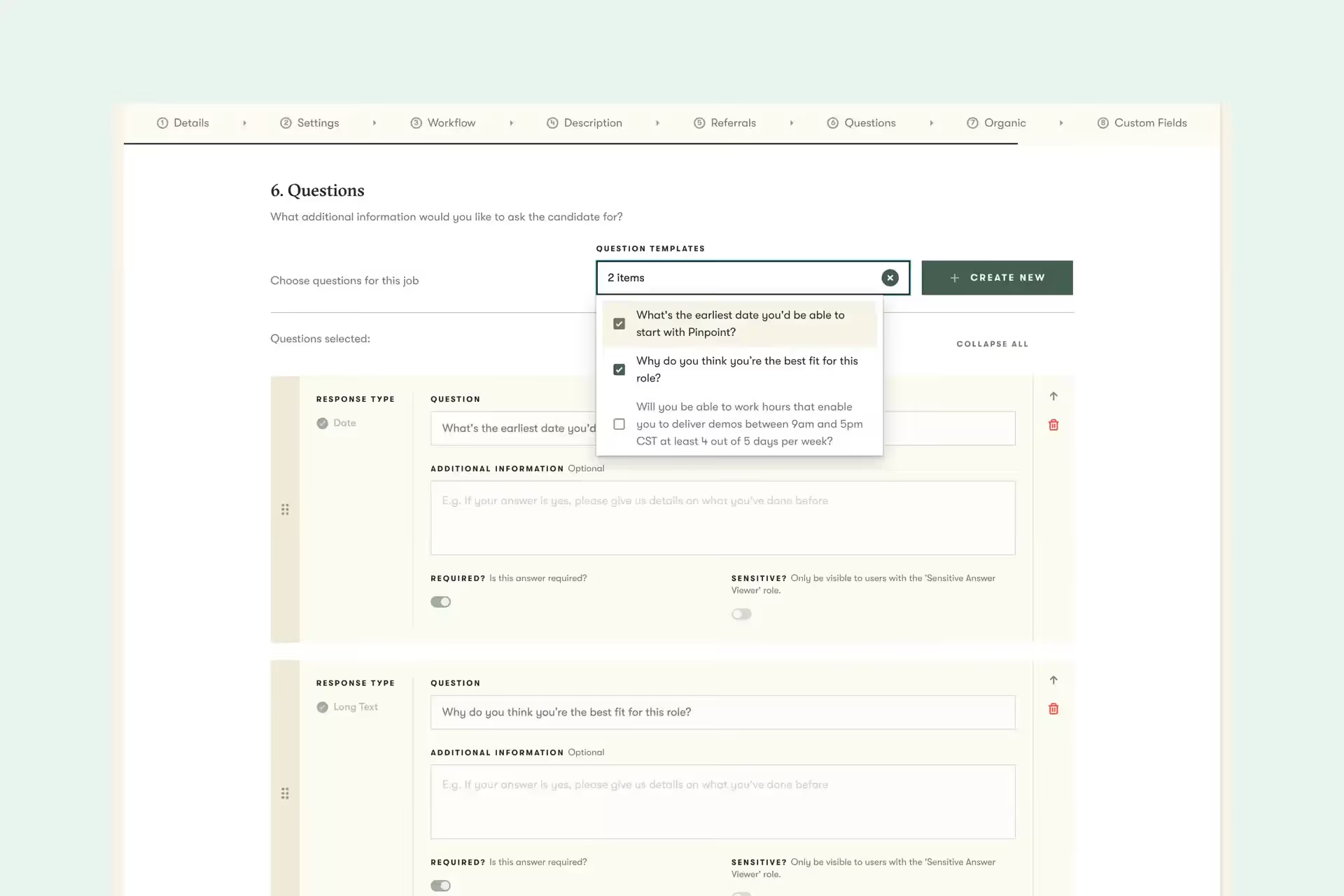
Improve the consistency of your job postings and make creating new jobs easier.
The new Question Bank enables you to create questions once, save them, then reuse them on all your jobs.
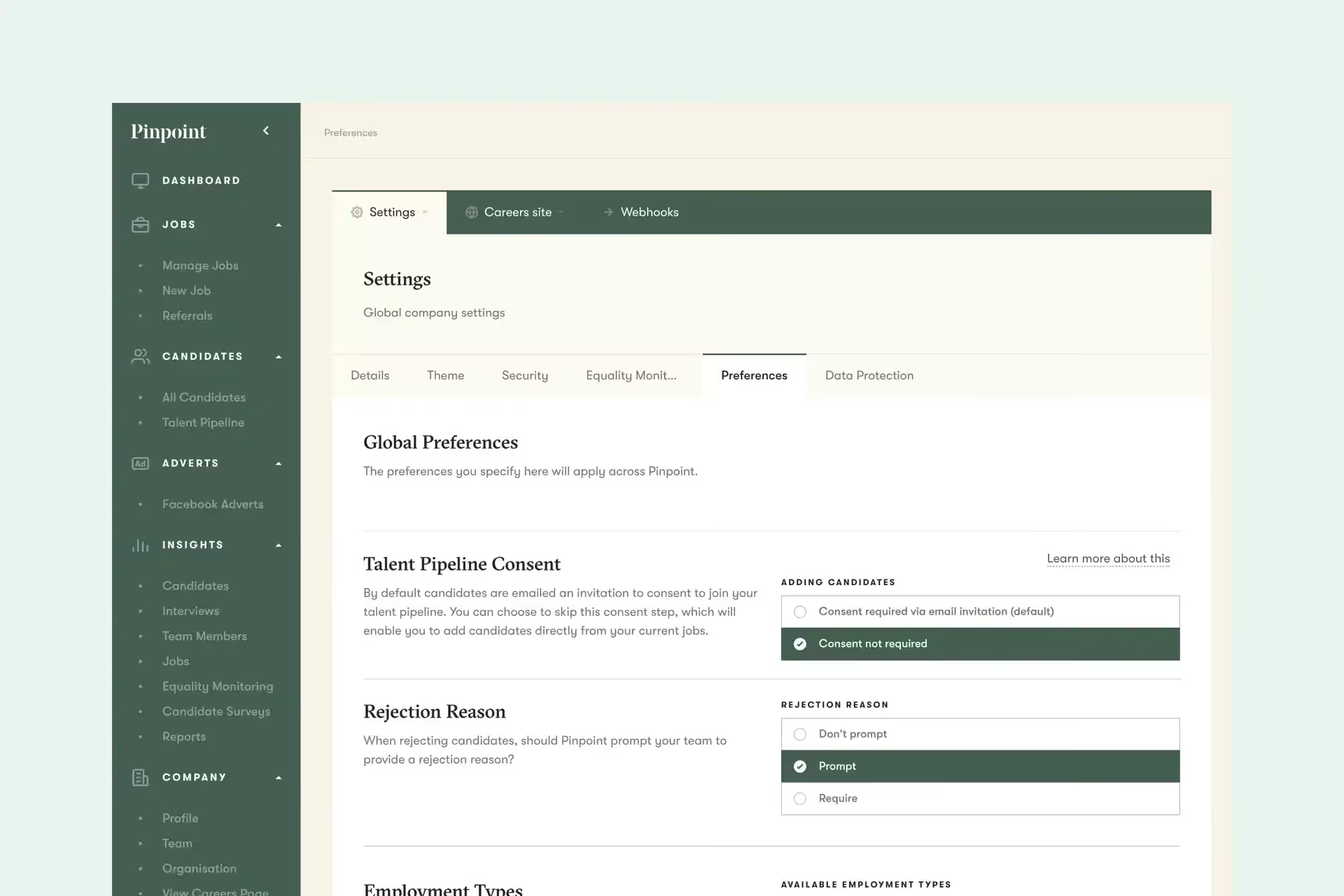
By default, when you add candidates that applied to a specific job to join your talent pipeline, they’re sent an email invitation and asked whether they want to be part of your talent pipeline.
Why? Because building huge databases of people that aren’t specifically interested in working for your organization makes it harder to identify those that are when you’re searching your talent pipeline.
But some recruitment teams prefer to add candidates to their talent pipeline without asking permission first.
Starting today, you can invite candidates to the talent pipeline from individual jobs without asking permission.
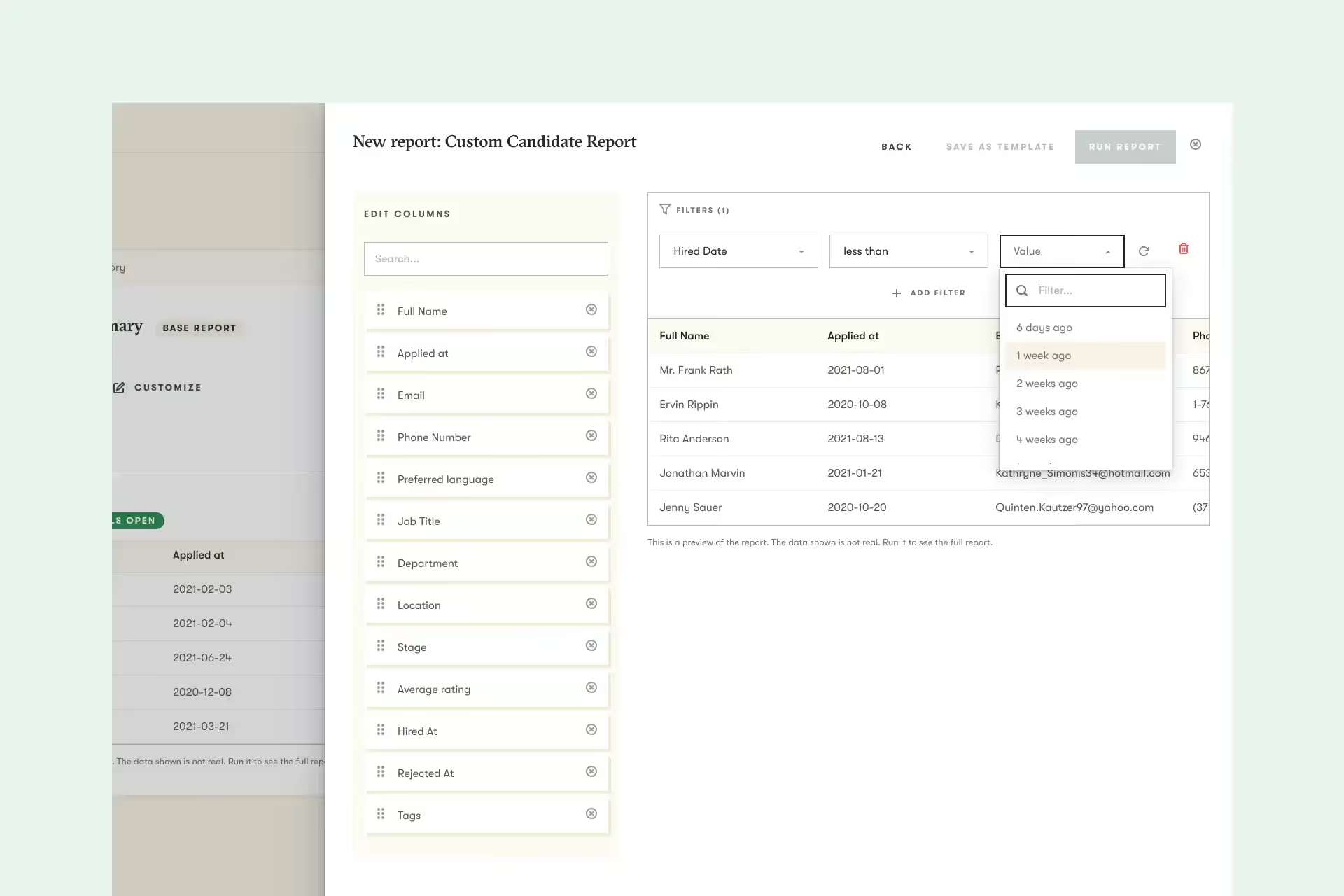
We’re continually improving the Custom Report Builder and this month is no exception.
New filter options:
New fields:
Every month we make small improvements to Pinpoint that are a big deal for some of you. Here’s what we launched this month:
And that’s it for this month.
We’d love you to get in touch if there’s anything we can help with, or if you have feedback on this latest product release.