


April 2025 | Product Spotlight
Welcome to April’s Product Spotlight, where we’re showcasing our new Workflow Automations feature, which lets you automate (almost) anything across Pinpoint.
Article
Last updated
07 Apr 25
Welcome to April’s Product Spotlight, where we’re showcasing our new Workflow Automations feature, which lets you automate (almost) anything across Pinpoint.

Hi there 👋
I’m Edd Slaney, Product Delivery Manager at Pinpoint. In this Product Spotlight, I’m excited to share a deep dive on our most exciting new feature, Workflow Automations.
Let’s jump in.
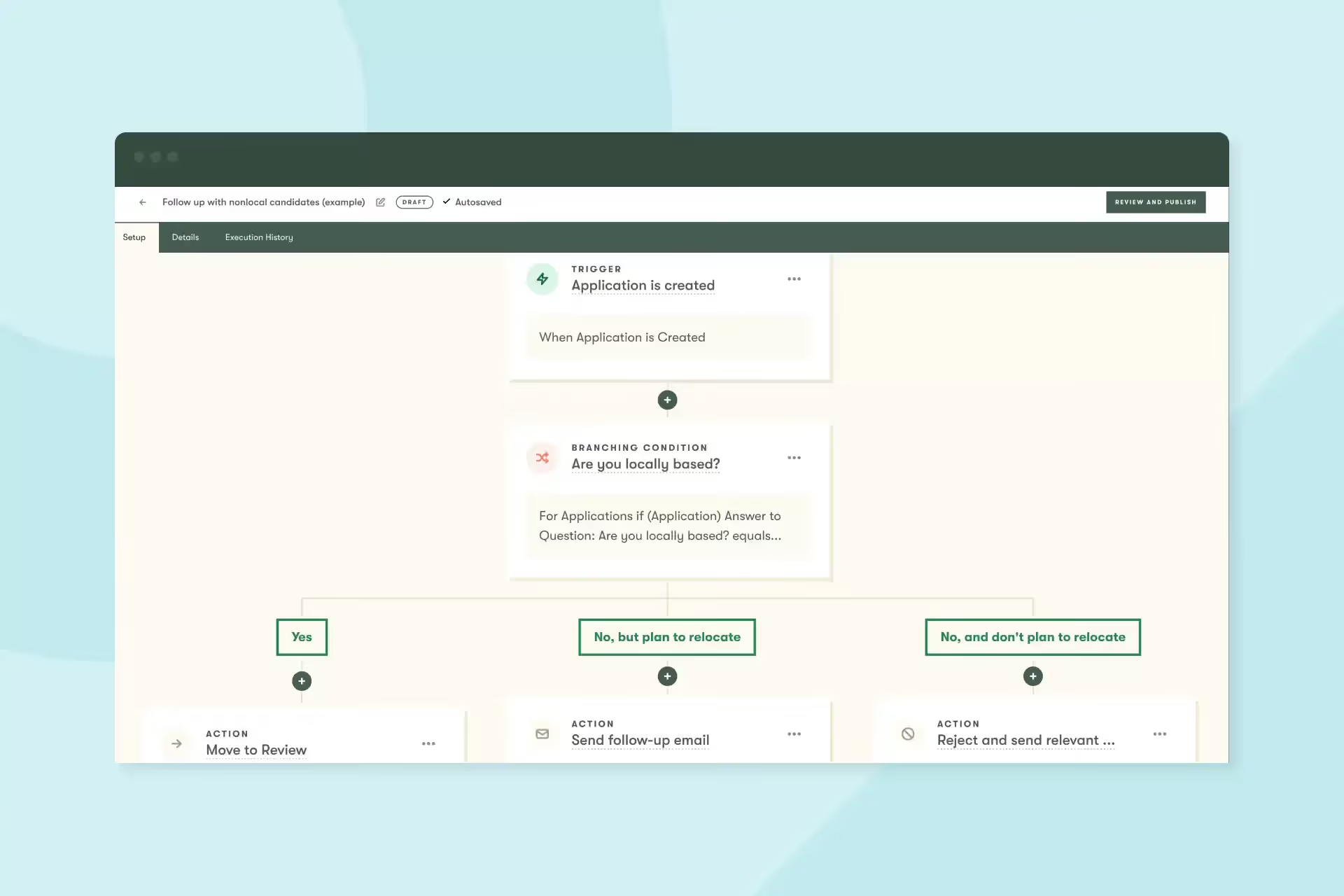
Pinpoint has had automation built in for years now, but our new Workflow Automations feature goes beyond what you’ve seen in Pinpoint and other ATSs.
That’s because it’s built to work at the organizational level, not just job-by-job. This means recruiters can define automations once and apply them everywhere. This is especially important at scale—one automation can work across thousands of jobs.
From candidate rejections to interview scheduling, stage progression, and more—Workflow Automation handles all the repeatable processes in your hiring process.
Here’s a 3-minute overview where you can see how it works, and why it’s so powerful.
Furniture startup Article has such a strong consumer and employer brand, they can get over 1,000 applicants in just a few days. This can be great when you need to fill lots of roles quickly, but it can also be painful to process all those applicants while maintaining a great candidate experience.
So Brad Clark, Director of Talent Acquisition & Employer Branding at Article, turns to automation to help “keep our head above water.” He shared 3 templates he’s built with Workflow Automations to manage high-volume hiring. Get his templates here
Talent teams are dealing with more candidates than ever, often with fewer resources.
When we look at the data in Recruitment Trends, applications per hire are on consistently on the rise. In some industries, they’ve doubled, tripled, even quadrupled over the last couple years.
Manual tasks like rejections, reminders, and moving candidates through stages waste time and money and create room for error/inconsistency. Too much time spent on repetitive tasks means less time on strategic work and the human side of recruiting.
Here’s a sneak peek behind the scenes of why we built this feature, from me and my colleague Elvin, our Head of Design.
That’s it for this month. Let us know if you have any questions—or if you’ve started using Workflow Automations, we’d love to hear about the automations you’ve set up.